
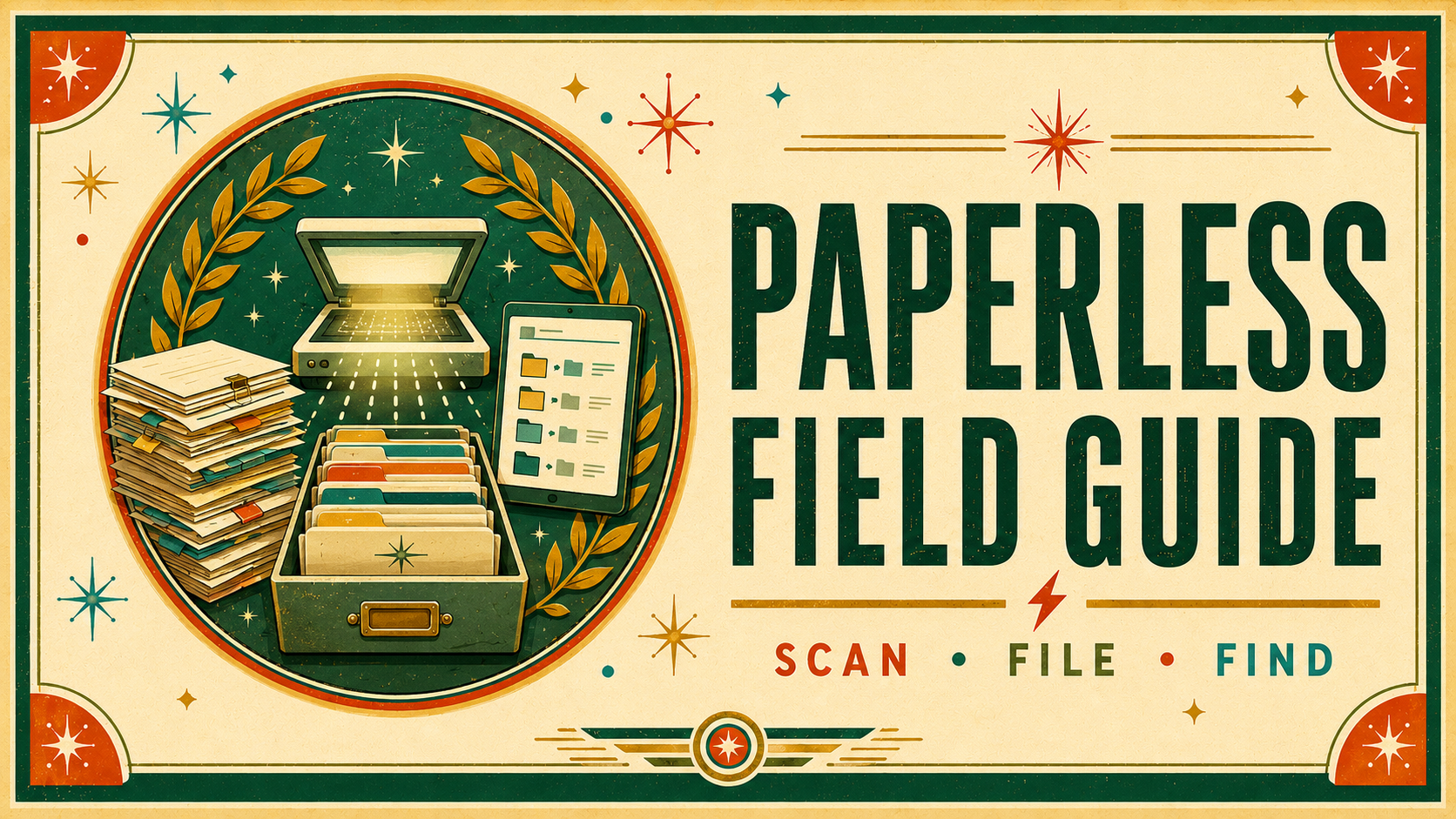
Conquer Paper.
Every scrap of paper in your life can live on your Mac, iPad, and iPhone instead. This Field Guide takes the mystery, and the fear, out of going paperless. Scan it, file it, find it in a second, then recycle the original. Soup to nuts.
The paper keeps coming. The drawer keeps filling.
Receipts, statements, contracts, medical records, warranties, the kids’ art. It arrives faster than you can file it, so it lands in a pile on the counter, a box in the closet, a drawer that no longer closes.
Then you need one page from it, and it’s gone.
You know the answer is to scan it all and go digital. You’ve maybe even tried. But the questions pile up as fast as the paper. Which scanner? What about OCR? Where do the files go? Folders or tags? How do I find anything later, and is it safe if my computer dies?
That’s the gap this Field Guide closes. It walks the whole system in plain language, on the Mac, iPad, and iPhone, so paper stops being a problem you manage and becomes one you’ve solved.
Four moves, and the paper is handled.
Going paperless comes down to four things done well: capture, process, edit, and share. Get those right and every document has an obvious path from the mailbox to a place you can find it in seconds.
You’ll capture paper with a real scanner or just the phone in your pocket, then run OCR so every word is searchable. You’ll name and file documents with a system that scales, and let your Mac do the filing for you with tools like Hazel. You’ll annotate, sign, stamp, and redact PDFs, share them anywhere, and back the whole library up so it’s safe.
No dedicated hardware required. If all you have is an iPhone, David shows you how to go fully paperless with just an app.
Learn it once, and the drawer never fills again.
The whole paperless system, one piece at a time
Going paperless is a handful of skills that fit together. The course teaches each one on its own, then shows how they combine into a workflow that runs itself. Here’s the shape of it.
Capture Every Way
Scan with a dedicated scanner or the camera in your pocket. Desktop scanners, iPhone and iPad scanning apps, and the connected camera trick are all covered, so you can go paperless with the gear you already own.
OCR That Actually Works
Turn a picture of a page into text you can search, select, and copy. Learn what OCR is, why it matters, and how to run it on the Mac, iPad, and iPhone so nothing you scan is ever lost again.
Name & File Like a Nerd
The naming conventions, folder schemes, and the folders-versus-tags decision that keep a paperless library from turning into a new kind of mess. Store it once, find it forever.
Automate the Filing
Let the Mac do the boring part. Action folders, Hazel rules, and Shortcuts that OCR, rename, and file documents the moment they land, so your Inbox empties itself.
Edit, Sign & Redact
Annotate and mark up PDFs, sign them without printing, stamp and Bates-number them, and truly redact sensitive text. Everything you used to reach for a printer to do.
Share, Sync & Back Up
Send documents anywhere, keep them synced across your devices with iCloud or Dropbox, and back the whole library up so a dead hard drive is never a lost drawer of records.
A system, not a stack
By the end you won’t just know how to scan a page. You’ll have a paperless system you trust, and the confidence that whatever comes in the mail, you can find it again in seconds.
- A capture habit that turns every piece of paper into a searchable file.
- A naming and filing scheme that still makes sense a year from now.
- Automations that file and rename documents while you do something else.
- The skills to edit, sign, and redact a PDF without ever printing it.
- Your whole document library in your pocket, on iPad and iPhone.
- A backup you can count on, and the freedom to recycle the originals.
“A course that pays for itself”
“This guide will provide you with everything you could possibly ever need to go paperless with Apple tech. David knocked this one out of the park: the Paperless Field Guide is pretty much guaranteed to make you more organized and productive. I couldn’t recommend it more highly.”
“David has catalogued all of his best strategies, tactics and tools in an online course that is engaging, informative, and fun. Plus it’s ridiculously affordable. I teach lawyers to be paperless for a living and it taught me a bunch of helpful things I didn’t know.”
“In this updated version, David speaks directly to people like me who don’t have dedicated hardware and he shows how anyone can go paperless with just an iPhone app. The updated workflows in this field guide are great, and can help anyone overcome physical (and sometimes digital) clutter.”
“Full of fantastic tips for reducing the paper in your life and going digital with the aid of an iPhone, iPad, and/or Mac. The content is great, but I am equally impressed with how it is all presented. The video production quality is top-notch.”
“For quite some time it had been my plan to get all my stuff into a secure paperless system. But it wasn’t until I got the Paperless Field Guide that everything fell into place. Using the tips from the course, I was able to set up the system in a couple of days. Highly recommended!”
“The MacSparky Paperless Field Guide is a masterclass in getting your administrative act together. Each session offers strategic, tactical and the best technical options for managing your digital data. David’s relaxed manner make the learning process both a joy and a breeze. Absolutely superb!”
More from people who took the course. Hover any card to pause.
“I’ve been in tech for years and, at 70, I still learn something new from David’s courses; usually within the first few videos.”
“In all excellent work there is talent, technique, and a toolset helping that work excel. David has made available his techniques and tools so others might leverage his skill set. Your Field Guides are that good.”
“Just finished MacSparky’s wonderful Paperless Field Guide. Anyone interested in going paperless or in perfecting their techniques, you owe it to yourself to watch it.”
“Bark. Bark-bark. Ruff-Bark Ruff-Ruff-Ruff! (Please scan all of your paper documents so I can eat them!)”
Who this is for, and who it is not
This is for you if
You’re ready to be done with the paper pile.
- You’ve got stacks of paper and PDFs you keep meaning to deal with.
- You want to scan a document, find it later, and recycle the original with confidence.
- You run a household or a business with real paperwork to manage.
- You use a Mac, an iPad, or an iPhone, or all three.
This is not for you if
Be honest with yourself on these.
- You’re on Windows or Android. This course is built around Apple gear.
- You’re happy with your filing cabinet and don’t want to change a thing.
- You want one magic button that files everything with zero setup.
- You’ve got three documents and no plans to ever have more.
Nineteen sections, one clear path
From your first scan to a system that files itself, with full PDF and ePub transcripts and closed captioning throughout. Every major topic is taught on the iPhone, iPad, and Mac independently, so you can build the workflow that fits the gear you own.
Capture
Get paper and digital documents into your system, from any device, and make every word searchable.
- Scanning paper on iPhone, iPad, and Mac, plus the connected camera
- OCR, file formats and sizes, and naming files like a nerd
- Creating PDFs from Mail, the print dialog, and any app
Process & Organize
Turn a pile of files into a structure you trust, and let your Mac do the filing for you.
- Storage options, folder schemes, and tags versus folders
- Automating filing with action folders and Hazel
- Managing files and folders on iCloud and Dropbox, with Shortcuts
Edit
Do everything to a PDF you used to need a printer for, on every device.
- Annotating, stamping, and Bates numbering
- True redaction of sensitive text
- Editing in Preview, PDF Expert, and more, on Mac and iOS
Share, Back Up & Wrap Up
Send documents anywhere, keep them safe, and keep the whole library synced.
- Sharing on the Mac, iPhone, and iPad via iCloud and Dropbox
- Flattening changes, backing up, and knowing what to keep
- Plus combined videos for easier download of the whole course
Every lesson comes with full PDF and ePub transcripts and closed captioning, and the whole course is available as combined videos for easy offline download.
One price. Everything included.
No subscription. No upsells. No tiers. One purchase, and the whole guide is yours.
Everything, $49
- 95 video lessons, nearly 7 hours of streaming or downloadable instruction
- Downloadable scripts and Shortcuts to automate your filing
- Full PDF and ePub transcripts, every lesson captioned
- Full coverage of the Mac, iPad, and iPhone
- Combined videos for easy offline download
- Lifetime access, on any device you own
Check out with Stripe
Secure checkout, taxes handled, receipt in your inbox.
Your invite arrives
A second email lands moments later with your personal access link.
Start scanning
Everything is waiting in the MacSparky community, ready when you are.

David Sparks
David started MacSparky in 2007 and has spent the years since teaching people to get more out of their technology and their time. He programmed his first computer in 1980 and has been on a quest to be more productive with Apple gear ever since.
He publishes the MacSparky blog, cohosts the Mac Power Users and Focused podcasts, and runs the MacSparky Labs, where he goes deep on workflows every week. He’s a past speaker at Macworld and the ABA TechShow.
David spent 28 years as a lawyer, a job that buries you in paper. He built a paperless practice out of necessity, honed it over years of real work, and this guide hands that hard-won system straight to you.
Frequently asked
Do I need a scanner to take this course? +
No. A dedicated scanner is great if you have one, and the course covers the best ones. But David shows how to go fully paperless with just the iPhone or iPad in your pocket, so you can start with the gear you already own.
Will this work on my iPad and iPhone? +
Yes. The course teaches every major topic on the Mac, iPad, and iPhone independently, so you can go paperless on your platform of choice or combine the best tools on each. It’s built around Apple gear, so there’s no Windows or Android version.
I’m brand new to this. Is it too advanced? +
Not at all. The material is written to be accessible to beginners and power users alike, starting with why you’d go paperless and building up from there. Longtime paperless users, including a few who teach it, keep telling David they learned things they never knew.
How is the course delivered? +
The Field Guide lives in the MacSparky community. After you buy, you get two emails: a receipt from the payment processor, then an invitation with your access link. Click it, set up your account, and every video, transcript, and download is waiting for you.
Can I download the videos to watch offline? +
Yes. The videos stream or download, you get full PDF and ePub transcripts, and the whole course is also available as combined videos so you can pull it down for easy offline viewing.
What’s the refund policy? +
14-day money-back guarantee, no questions asked. If the course isn’t for you, write in within the first 14 days and you get a full refund.
Conquer paper
Every page you can’t find is a page your Mac could have filed for you. Learn the four moves, capture, process, edit, and share, and the drawer never fills again.